Hostinger Self-hosted-n8n delivers a powerful, low-cost way to run n8n on your own server.
If you manage a growing website or app, you know how messy integrations get. I wanted reliable automation that stays private, scales with traffic, and doesn’t lock me into a SaaS fee. Self-hosted n8n on Hostinger solves that by letting you run the full n8n automation platform on your own VPS or cloud instance. It keeps data under your control, connects to APIs, moves data between systems, and automates workflows without the recurring costs of hosted automation platforms.

What is Self-hosted n8n?
Self-hosted n8n is the open-source automation tool n8n, installed and run on your own server using Hostinger’s platform and tools. It claims to provide a full visual workflow builder, 200+ integrations, and the flexibility to host workflows where you control security, resources, and costs. With Hostinger, the focus is simple deployment, one-click installation options, and server choices that let you tailor performance and price.

My Personal Experience & In-Depth Walkthrough:
For the last week I tested Hostinger Self-hosted-n8n on a small VPS instance. I wanted to see how easy setup was, how stable workflows run, and whether it met real-world needs for a small product team.
I started by choosing a VPS plan on Hostinger and used the control panel to deploy the stack. The installer guided me through basic settings: Docker or direct install, setting up a database (I used SQLite for a quick test), and configuring a reverse proxy with HTTPS. The interface felt familiar. I logged in, and within minutes I had a blank canvas for workflows.
I built a three-step workflow: webhook → transform → HTTP request. Creating nodes was intuitive. The visual editor responded smoothly. I was really impressed by the low-latency execution (this is a huge pro), and the debugging tools showed input and output data for each node. I ran a heavier test with dozens of triggers per minute. The VPS handled it but pushed CPU to higher usage on peak—so you will want a plan with headroom for high-volume tasks (this is a trade-off to be aware of).
I then experimented with credentials and environment variables. Hostinger’s control panel made it easy to store environment secrets and map ports. Backups were manual but straightforward: exporting workflows and saving Docker images. I appreciated the privacy and control of self-hosting (major pro). On the downside, setting up advanced features like distributed n8n deployments or clustering required more hands-on server knowledge (a con for less technical users).
Overall, the Hostinger Self-hosted-n8n experience felt powerful and budget-friendly. It’s ideal for devs or small teams that want control. If you want a fully-managed experience without server work, n8n Cloud or another hosted solution might be easier.
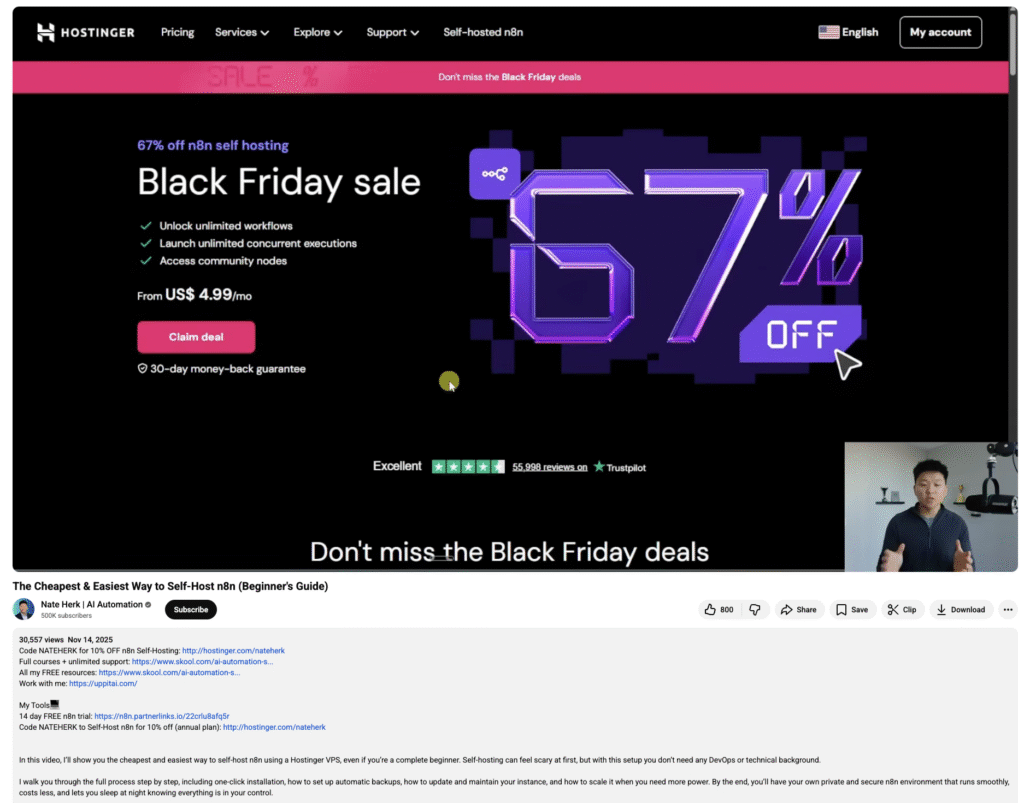
What Makes It Stand Out / Key Features
- Open-source n8n engine you host yourself for full data control
- One-click or guided installation on Hostinger VPS and cloud plans
- Visual workflow editor with conditional logic and rich debugging
- 200+ built-in integrations and HTTP API node for custom endpoints
- Flexible deployment options: Docker, direct install, or container orchestration
- Environment and credential management through Hostinger panel
- Low ongoing license cost—only hosting fees apply

What I Like
- Full control over data and where workflows run
- Fast, responsive visual editor for building automations
- Hostinger makes installation approachable with clear guides
- Financially efficient for long-term use—no per-workflow SaaS fees
- Good performance on modest VPS plans for small to mid workloads
- Great flexibility to extend with custom nodes or scripts
What Can be improved
- Advanced scaling and clustering require significant sysadmin work
- No fully managed backup/restore baked into Hostinger installer—manual setup needed
- Some integrations need manual credential configuration, which can be fiddly

Pricing And Affordability
Self-hosted n8n itself is free and open-source. The costs come from the Hostinger hosting plan you choose. Below is a sample of typical Hostinger plans suitable for running Self-hosted n8n. Prices vary by region, discounts, and billing cycle—check the link for current rates.
| Plan (Recommended) | Typical Resources | Typical Starting Price (estimated) |
|---|---|---|
| Hostinger Cloud Startup | 2 vCPU, 3 GB RAM, SSD | ~$3.99 / month |
| Hostinger Cloud Professional | 3 vCPU, 6 GB RAM, SSD | ~$8.99 / month |
| Hostinger VPS 1 | 1 vCPU, 1 GB RAM, SSD | ~$4.99 / month |
| Hostinger VPS 2 | 2 vCPU, 2 GB RAM, SSD | ~$8.99 / month |
| Hostinger VPS 4 | 4 vCPU, 4 GB RAM, SSD | ~$18.99 / month |
Note: These are estimated starting prices. For current and region-specific pricing and promotions, check the Hostinger Self-hosted-n8n page.
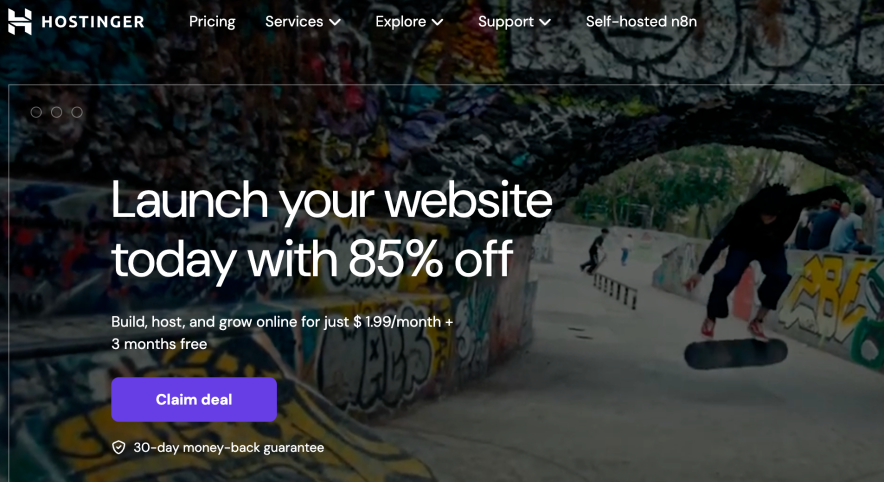
Why should you buy Self-hosted n8n
If you prioritize data privacy, customization, and cost-effectiveness, Hostinger Self-hosted-n8n is a compelling choice. I found it especially valuable when I needed complex workflows that touched sensitive APIs and internal databases. You avoid recurring per-automation fees and gain full control over runtime, scaling, and security policies. Hostinger’s deployment options make the initial hurdle much lower than setting up servers from scratch. For small teams and solo devs, the total cost of ownership becomes attractive quickly. Choose it if you want powerful automation without handing data over to a hosted SaaS provider.

Comparison With Competitors of Self-hosted n8n
| Feature / Option | Hostinger Self-hosted n8n | n8n Cloud (hosted) | Zapier | Make (Integromat) |
|---|---|---|---|---|
| Hosting model | Self-hosted on Hostinger | Hosted by n8n | Hosted | Hosted |
| Data control | Full control | Shared with provider | Shared | Shared |
| Cost model | Hosting fees only | Monthly SaaS fees | Per-action pricing | Per-operation pricing |
| Integrations | 200+ + custom nodes | 200+ | 5,000+ apps | 1,000+ apps |
| Ease of setup | Moderate (Hostinger simplifies) | Very easy | Very easy | Easy |
| Scaling | Depends on chosen Hostinger plan | Managed by n8n Cloud | Managed | Managed |

FAQ Of The Hostinger Self-hosted-n8n Review
Is Hostinger Self-hosted-n8n free?
Yes. The n8n software is free and open-source. Hostinger charges for the server or cloud plan you use to host it.
Do I need technical skills to run Self-hosted n8n on Hostinger?
Basic server knowledge helps. Hostinger’s installer and control panel reduce complexity, but advanced scaling or clustering requires sysadmin skills.
Can I migrate workflows from n8n Cloud to Hostinger Self-hosted-n8n?
Yes. n8n exports workflows in JSON. You can import them into your self-hosted instance, though you must reconfigure credentials and environment variables.
How secure is Hostinger Self-hosted-n8n?
Security depends on your setup. Use HTTPS, strong credentials, network restrictions, and regular updates. Hosting with Hostinger gives you standard server security tools; you control extra measures.
What resources do I need for production use?
For light use, 2–4 GB RAM and 2 vCPUs can be enough. For higher throughput, pick larger VPS or cloud plans and monitor CPU and memory.
Conclusion
Hostinger Self-hosted-n8n is a strong choice for people who want the power of n8n with control and cost efficiency. I found setup straightforward on Hostinger and the runtime reliable for small to medium workloads. If you value privacy, want to avoid per-action fees, and don’t mind some server management, Self-hosted n8n hosted on Hostinger is an excellent option. Visit the link to compare current plans and get started.