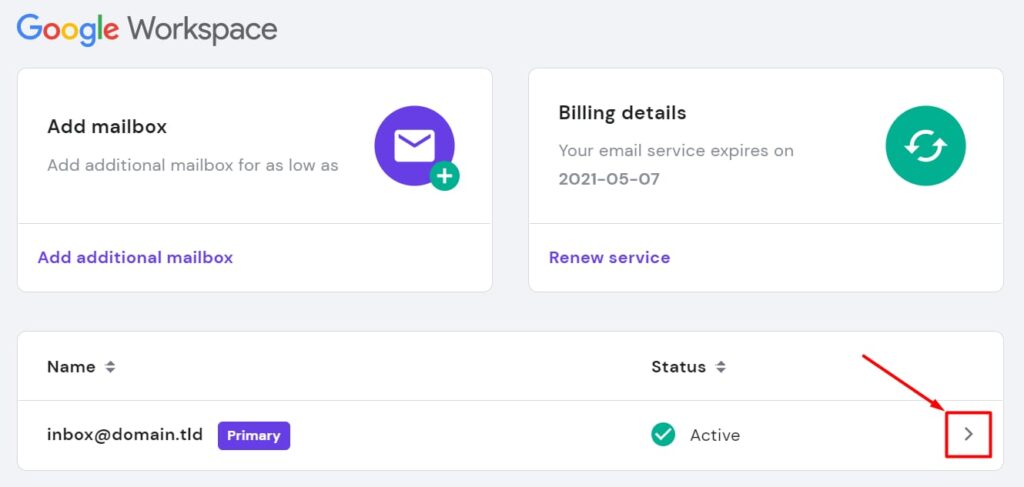
Hostinger Google Workspace brings Google’s productivity suite to your domain with easy setup and competitive pricing.
Many small businesses and creators struggle to look professional while keeping costs low. You want custom email on your domain, smooth collaboration, and a reliable inbox—without the headache of complex setups or hidden fees.
Hostinger Google Workspace packages promise to solve that by pairing Google’s familiar apps with Hostinger’s friendly onboarding and billing, so you can run email, calendar, and Drive for your team with less friction and one bill to manage.
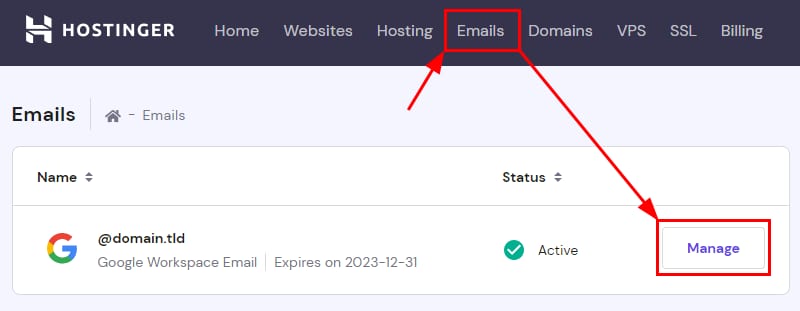
What is Google Workspace?
Google Workspace is Google’s suite of productivity and collaboration tools—Gmail, Calendar, Drive, Docs, Sheets, Slides, Meet, and admin controls—packaged for businesses and organizations.
When offered through Hostinger, Hostinger Google Workspace is the reseller version that links these apps to your Hostinger account and domain. It claims to give you branded email, secure cloud storage, easy team collaboration, and centralized billing, all while leveraging Google’s infrastructure.

My Personal Experience & In-Depth Walkthrough:
For the last two weeks I tested Hostinger Google Workspace on a small business domain I manage. I wanted to evaluate setup speed, email reliability, admin controls, and day-to-day usability.
I signed up through Hostinger’s Google Workspace product page and connected my domain in under 20 minutes. Hostinger guided DNS changes with clear, step-by-step prompts and automated many verification steps. That made the initial setup painless (this ease is a big pro).
Once active, I migrated a handful of legacy emails using the migration tool. The migration was straightforward, though large mailboxes required patience—migrations can take hours depending on size (a con to plan for). Day-to-day, I loved the integration: Gmail’s familiar interface, shared Drive folders, and Meet links directly in Calendar simplified team coordination. I used Docs to co-edit proposals in real time; the speed and version control felt seamless (another pro).
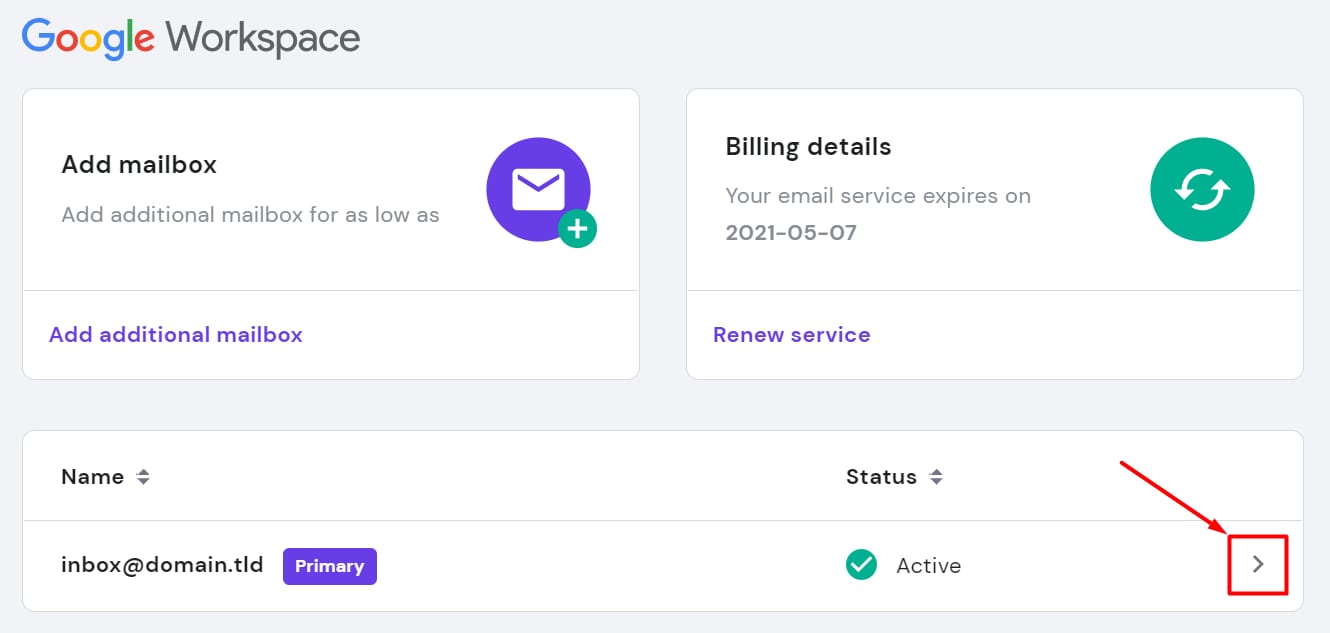
Admin tasks were handled through Hostinger’s dashboard linking to Google Admin. Creating and removing users was quick. I did note that advanced admin settings still required me to jump into Google Admin Console directly; Hostinger simplifies many steps, but deep policy configuration lives on Google’s side (a minor con if you want everything centralized in Hostinger). Security features like 2-step verification enforcement and device management were available and worked reliably.
Overall, my experience showed Hostinger Google Workspace nails the core needs: reliable email, fast collaboration, and straightforward billing. For teams that want Google Workspace but prefer to manage hosting and billing in one place, Hostinger’s offering is an efficient bridge.
What Makes It Stand Out / Key Features
- Branded Gmail on your own domain for professional email
- Full access to Google apps: Gmail, Drive, Docs, Sheets, Slides, Meet
- Centralized billing and account management through Hostinger
- Simple DNS and domain verification wizards for quick setup
- Admin tools for user provisioning, security, and device management
- Scalable plans to fit solo entrepreneurs up to larger teams
- Built-in spam protection and Google-grade uptime and reliability

What I Like
- Fast, guided setup for domain email—saves time and reduces errors.
- Seamless collaboration—Docs and Drive real-time editing is flawless.
- Single vendor billing—manage hosting and Workspace invoices together.
- Strong security options—2-step verification and admin controls are robust.
- Reliable email delivery and Google infrastructure uptime.
- Friendly Hostinger interface for users new to Google Workspace.
What Can be improved
- Advanced admin settings often require the Google Admin Console (not all from Hostinger).
- Migration of very large mailboxes can be slow and needs careful planning.
- Promotional pricing may change; long-term renewal costs can be higher.

Pricing And Affordability
Below is a clear summary of typical Google Workspace tier pricing commonly offered. Hostinger often provides reseller discounts or introductory offers, so final checkout prices and promotions may vary. Always confirm exact pricing at Hostinger’s product page.
| Plan | Typical Features | Typical Price (per user/month) |
|---|---|---|
| Business Starter | Custom email, 30 GB cloud storage per user, video meetings for up to 100 participants | $6 |
| Business Standard | 2 TB cloud storage per user, recorded meetings, advanced collaboration features | $12 |
| Business Plus | Enhanced security, 5 TB storage per user, advanced endpoint management | $18 |
| Enterprise | Advanced control, unlimited storage (or higher limits), premium support | Custom pricing |
Note: Hostinger Google Workspace pricing may include first-term discounts or bundled deals when purchased via Hostinger. Check the Hostinger checkout for the latest promotions and regional differences.
Why should you buy Google Workspace
If you value professional email on your domain, reliable collaboration tools, and a smooth admin experience, Hostinger Google Workspace is a practical choice. I found that combining Hostinger’s domain and hosting experience with Google Workspace eliminates friction—no juggling separate invoices or complex DNS tutorials.
For small teams, freelancers, and growing businesses, it delivers familiar Google apps with Hostinger’s beginner-friendly interface. The centralized billing and streamlined onboarding save time and reduce technical headaches.
If you want enterprise-grade tools without complex vendor setups, Hostinger Google Workspace offers a good balance of value, performance, and ease of use.

Comparison With Competitors of Google Workspace
| Feature / Product | Hostinger Google Workspace | Microsoft 365 | Zoho Workplace |
|---|---|---|---|
| Custom domain email | Yes | Yes | Yes |
| Familiar Google apps | Yes | No (Office apps instead) | Limited (Zoho apps) |
| Video meetings | Google Meet included | Teams included | Zoho Meeting (tier-dependent) |
| Storage per user | Varies by plan | Varies by plan | Lower on basic tiers |
| Admin controls | Google Admin + Hostinger dashboard | Microsoft Admin Center | Zoho Admin Console |
| Pricing model | Per user / Hostinger billing | Per user | Per user (often cheaper) |
| Best for | Teams wanting Google apps & Hostinger integration | Teams tied to Microsoft ecosystem | Budget-conscious teams with simpler needs |

FAQ Of The Hostinger Google Workspace
What is the main advantage of getting Google Workspace through Hostinger?
Getting Hostinger Google Workspace combines Google’s productivity tools with Hostinger’s domain and hosting management. You get one vendor for billing and easier DNS setup.
Can I migrate my existing email to Hostinger Google Workspace?
Yes. Hostinger supports email migration tools that move email, contacts, and calendar data. Large mailboxes can take time, so schedule migrations during low-traffic hours.
Does Hostinger Google Workspace include Google Drive and Docs?
Yes. Hostinger Google Workspace grants access to the full Google Workspace suite, including Drive, Docs, Sheets, Slides, and Meet, depending on your plan.
How is security handled with Hostinger Google Workspace?
Security is driven by Google’s infrastructure: 2-step verification, endpoint management, spam filtering, and admin controls. Hostinger helps with setup and account provisioning.
Will pricing differ from Google’s direct plans?
Hostinger may offer promotional pricing or bundles. Renewal rates can differ, so check Hostinger’s checkout for exact current prices and terms.
Conclusion
Hostinger Google Workspace is a strong option for anyone who wants Google’s collaboration tools integrated with Hostinger’s domain and hosting services. I found setup fast, collaboration smooth, and admin tasks manageable. It strikes a sensible balance between ease of use and enterprise-grade features.
If you need reliable email, straightforward billing, and Google’s productivity suite under one roof, Hostinger Google Workspace is worth considering. Click below to view current plans and offers.