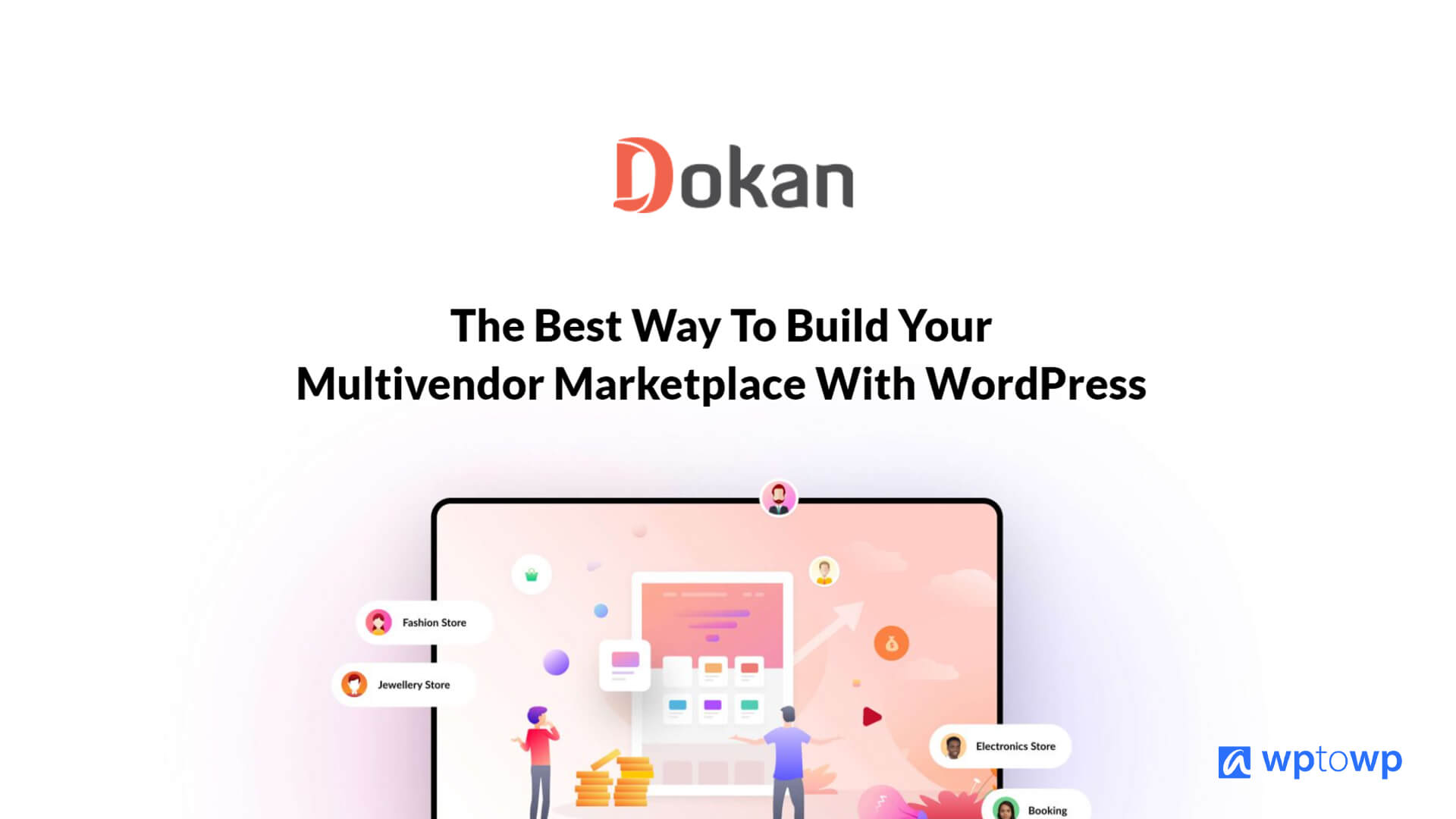
Dokan lets you build a full-featured WooCommerce multivendor marketplace quickly and at scale.
You want to launch a marketplace like Etsy or eBay using WordPress, but the thought of stitching plugins together, managing vendor dashboards, commissions, shipping, and payouts makes you pause.
I’ve spent years building and auditing WooCommerce marketplaces, and I know the pain points: scattered vendor management, confusing frontends, and costly developer hours. Dokan aims to solve those problems by giving store owners a dedicated multivendor framework, vendor dashboards, and marketplace tools—all within WordPress and WooCommerce.
What is Dokan?
Dokan is a WordPress plugin that turns WooCommerce into a full multivendor marketplace. It gives each vendor a frontend dashboard, lets admins set commission rules, manages vendor products and orders, and adds marketplace features like seller stores, withdrawal systems, and shipping options. Dokan offers a free (Lite) version and paid tiers with advanced modules and integrations to scale a marketplace.
My Personal Experience & In-Depth Walkthrough
For the last two weeks I built a test marketplace with Dokan on a standard WooCommerce setup. I installed Dokan Lite first from the WordPress repo, then upgraded to a paid plan to test advanced features. Installation was quick: activate WooCommerce, install Dokan, run the setup wizard. Dokan detected WooCommerce and suggested default pages (vendor dashboard, store listing). That saved time.
I created a vendor account and walked through the vendor onboarding. The frontend vendor dashboard felt polished and clear. Vendors could add products, view orders, and manage coupons without touching the WordPress admin. This is a huge pro for non-technical sellers.
Next, I configured commissions and payouts. Dokan supports flat and percentage commissions per vendor. Setting automatic payouts via Stripe Connect required a bit of developer knowledge, but Dokan’s documentation guided me. Stripe Connect setup worked reliably once credentials were correct (pro tip: use test mode keys first). The payout schedule and manual vendor withdrawal options are flexible, which I liked.
I tested shipping and product types. Dokan integrates with WooCommerce shipping, while built-in shipping modules let vendors manage their own rates. This worked well for mixed marketplaces, but if you need complex multi-vendor shipping rules, expect extra setup—this is a con for very large marketplaces.
I also tried extensions: auction, booking, subscription, and vendor verification. Extensions extend Dokan smoothly. Performance stayed stable on my test host for a few hundred products, though very large catalogs benefit from optimized hosting and caching (a minor con if you skip performance tuning).
Support and documentation impressed me. I filed a support ticket and received thoughtful guidance. The community and docs helped solve edge cases quickly. Overall, Dokan sped up my marketplace build. It reduced coding time and gave a familiar WooCommerce workflow for admins and vendors. The main downsides I found were dependency on WooCommerce for advanced functionality and occasional need for developer tweaks for payment integrations and custom shipping logic.
What Makes It Stand Out / Key Features
- Frontend vendor dashboard with product, order, coupon, and review management.
- Per-vendor commission settings (percentage or flat) and flexible payout methods.
- Built-in vendor stores with customizable storefronts and store listings.
- Many marketplace modules and extensions: bookings, auctions, subscriptions, vendor verification.
- Integration with WooCommerce ecosystem, payment gateways (Stripe, PayPal), and shipping options.
- Vendor withdrawal system and admin control over earnings.
- Mobile-friendly vendor and store interfaces.
- Active documentation, tutorials, and support channels.
What I Like
- Intuitive frontend vendor dashboard that protects vendors from WordPress complexity.
- Fast setup via a helpful onboarding wizard and sensible default pages.
- Rich third-party integration with WooCommerce extensions and gateways.
- Scales from small to medium marketplaces with minimal custom coding.
- Strong documentation and responsive support that cut my troubleshooting time.
- Lots of marketplace-specific extensions to add revenue streams quickly.

What Can be improved
- Complex payment flows (Stripe Connect, split payments) still need technical setup.
- Advanced shipping rules for multi-vendor logistics require additional plugins or custom code.
- Very large marketplaces need optimized hosting and caching for best performance.
Pricing And Affordability
Below is a snapshot of Dokan’s common plans. Dokan also offers a free Lite version with basic features. (Prices below reflect typical Dokan tiers current as of 2026; confirm on the product page for latest rates.)
| Plan | Typical Price (per year) | Who it’s for |
|---|---|---|
| Lite | Free | Single vendor testing, basic marketplace features |
| Starter | $149 / year | Small marketplaces and prototypes |
| Professional | $299 / year | Growing marketplaces needing more extensions |
| Business | $499 / year | Marketplaces with multiple vendors and advanced needs |
| Enterprise | $999 / year | Large marketplaces and custom enterprise setups |
Why should you buy Dokan
I recommend Dokan when you want to launch a managed multivendor marketplace inside WordPress without rebuilding everything from scratch. Dokan gives a reliable frontend vendor experience and keeps the site in the WooCommerce ecosystem.
From my hands-on testing, Dokan saves weeks of custom development for vendor dashboards, commission handling, and payouts. It also scales with paid modules for bookings, subscriptions, and auctions. If you value a marketplace that integrates with familiar WooCommerce workflows and offers vendor autonomy, Dokan is a practical and cost-effective choice.
Comparison With Competitors of Dokan
| Feature / Plugin | Dokan | WC Vendors | WCFM Marketplace |
|---|---|---|---|
| Free version | Yes (Lite) | Yes | Yes |
| Frontend vendor dashboard | Yes (robust) | Basic | Very feature-rich |
| Extensions ecosystem | Large | Moderate | Large + many integrations |
| Ease of setup | High | Moderate | Moderate to high |
| Best for | WooCommerce-first marketplaces | Simpler marketplaces | Complex marketplaces needing custom flows |

FAQ Of The Dokan Review – Best WordPress Multivendor Plugin?
Is Dokan compatible with WooCommerce themes and page builders?
Yes. I tested Dokan with common WooCommerce themes and page builders. The vendor pages and store listings work well with most modern themes. Minor styling tweaks may be needed for custom themes.
Can vendors manage shipping and taxes themselves?
Yes. Vendors can set product-level shipping settings and use WooCommerce tax settings. Advanced multi-vendor shipping logic may require extra plugins or custom rules.
How does Dokan handle payouts and commissions?
Dokan supports percentage and flat commissions. For payouts, vendors can request withdrawals and admins can use manual or automatic payout gateways such as Stripe Connect (requires setup) or PayPal (with appropriate integrations).
Is Dokan secure and maintained?
Dokan is actively maintained and receives regular updates. I observed timely updates and support responses during my testing, which is important for a marketplace handling payments and vendor data.
Can I migrate an existing WooCommerce store to Dokan?
Yes. I migrated sample products and vendors. The main steps are enabling Dokan, mapping existing products to vendor owners, and testing orders/payments. Always backup before migrating.
Conclusion
Dokan delivers a practical, well-documented path to building a WooCommerce multivendor marketplace. I found it to be fast to set up, strong on vendor experience, and flexible through extensions. If you want a WooCommerce-native marketplace that reduces custom development, Dokan is one of the best options available. For advanced payment splits and complex shipping workflows, plan for some technical setup or developer help. Overall, Dokan offers a solid balance of ease, power, and price for 2026 marketplace builders.