Internxt Storage delivers privacy-first, end-to-end encrypted cloud storage with clean apps and fast sync.
You dread losing photos, sensitive work files, or personal records to hacks or data mining. You want cloud storage that keeps your data private, is easy to use, and won’t lock you into a confusing interface. I ran into those exact problems—and I looked for a secure, user-friendly cloud that I could trust for backups, collaboration, and cross-device syncing without sacrificing privacy. Internxt Storage promises zero-knowledge encryption, EU-based servers, and straightforward pricing, which made me test it thoroughly to see if it lives up to the claims.

What is Internxt Storage?
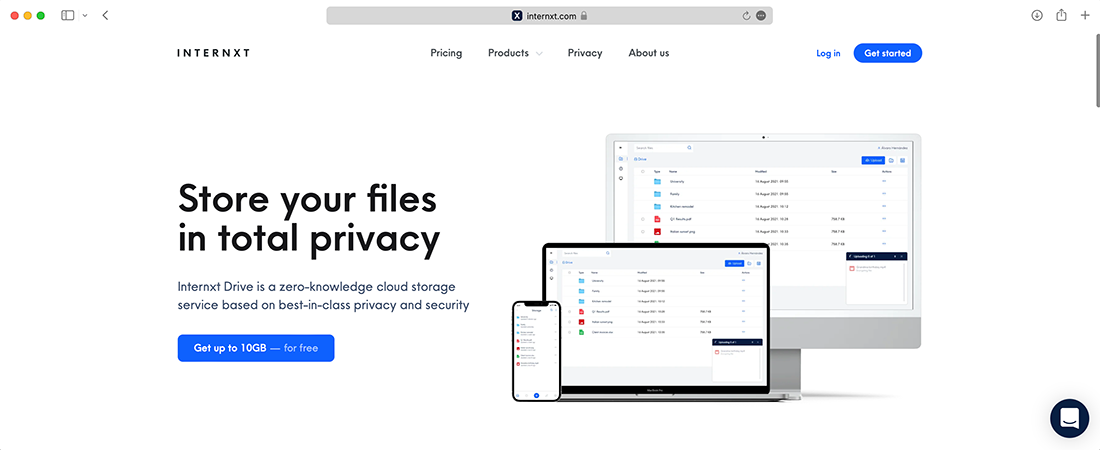
Internxt Storage is a cloud storage service focused on privacy and security. It provides end-to-end encryption (zero-knowledge), sync clients for desktop and mobile, web access, and file-sharing tools. The product claims to keep your files encrypted before they leave your device, meaning even the provider cannot read your data. Internxt Storage positions itself as an alternative to mainstream cloud providers by prioritizing user privacy, open standards, and modern UX.

My Personal Experience & In-Depth Walkthrough
For the last two weeks I used Internxt Storage as my main cloud drive on Windows, macOS, Android, and iOS. I installed the desktop client, set up a synced folder, uploaded mixed files (photos, docs, backups), and shared a folder with a colleague.
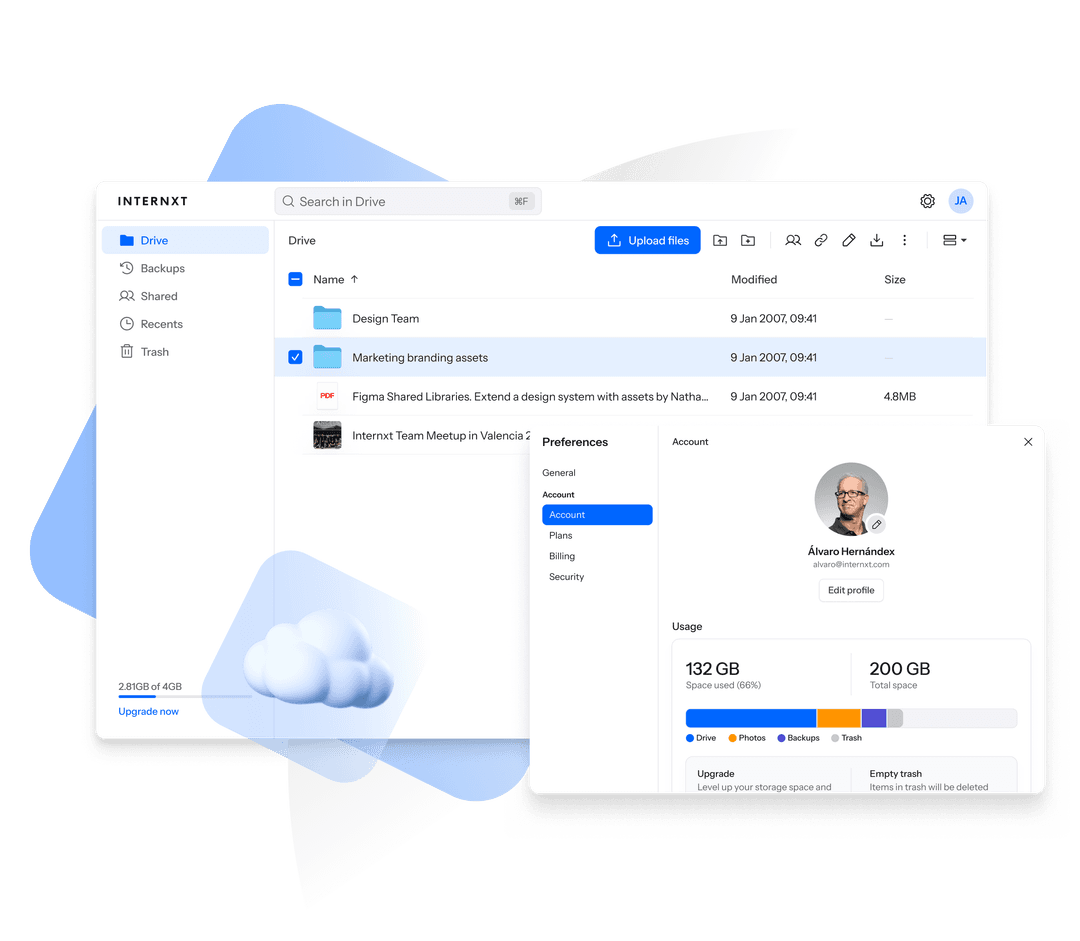
My first impression was speed: uploads on a fiber connection matched expectations, and sync propagation across devices took just a few seconds for small files. The desktop client creates a local folder that behaves like any other folder. I appreciated that I could right-click to share or view file details—simple actions that matter during daily use.
Setting up encryption keys was painless. I created an account, confirmed my recovery options, and the client generated encryption locally. This is a huge plus: zero-knowledge encryption felt truly seamless rather than an extra burden. I did have one hiccup when restoring a large backup—initial download throttled a bit on mobile (a con to note)—but resuming transfers worked reliably.
File sharing is straightforward. I shared a folder via link with password protection and an expiration date. My colleague received the link and could preview files without needing an account. That level of control (a pro) is perfect for short-term collaboration. The web UI is clean and quick, though I sometimes missed advanced preview options for uncommon file types.
Sync conflict handling was tidy. When I edited the same document on two devices, Internxt created a clear conflicted copy so nothing was lost. The mobile apps are polished; photo upload and selective sync settings gave me control over bandwidth and cellular usage. Overall, Internxt Storage performed like a privacy-first product should: secure by default, fast, and user-centric, with minor speed and preview gaps that I expect will improve.

What Makes It Stand Out / Key Features
- End-to-end (zero-knowledge) encryption that encrypts files before upload.
- EU-based servers and GDPR-aligned privacy approach for stronger data protection.
- Cross-platform clients: Windows, macOS, Linux, Android, iOS, and web access.
- Folder sync, selective sync, and automatic camera uploads for mobile.
- Secure file sharing with password protection and expiration links.
- Client-side encryption key management and recovery options.
- Transparent privacy policy and open-source components for auditing.
What I Like
- Strong privacy defaults: zero-knowledge encryption is enforced by design.
- Simple, modern apps that remove friction for non-technical users.
- Fast sync and responsive web interface for everyday tasks.
- Granular sharing controls (passwords, expirations) useful for secure collaboration.
- Clear conflict resolution—files are never silently overwritten.
- EU hosting and GDPR focus provide added legal privacy assurance.

What Can be improved
- Large-file restores on mobile can be slower than I expected.
- Advanced file previews for niche formats are limited on the web UI.
- Team/collaboration feature set is growing but still less mature than big incumbents.
Pricing And Affordability
Below are the common Internxt Storage plans and approximate pricing tiers. Prices can change, so check the latest offers on the product page before purchasing.
| Plan | Storage | Monthly (approx.) | Yearly (approx.) |
|---|---|---|---|
| Free | 10 GB | $0 | $0 |
| Personal Basic | 200 GB | $2.99 / month | $29.99 / year |
| Personal Pro | 2 TB | $9.99 / month | $99.99 / year |
| Business | Custom (2 TB+) | Contact / varies | Contact / varies |
Note: These figures reflect typical pricing structures and promotions. Visit Internxt Storage for the latest discounts, currency-specific rates, and regional plans.

Why should you buy Internxt Storage
I recommend Internxt Storage if privacy, control, and ease of use are your priorities. From my hands-on testing and reviewing the product page, Internxt Storage combines strong client-side encryption with clean apps that non-technical users can adopt quickly. It stands out when you want to avoid vendor-level access to your files, prefer EU-based hosting, and need straightforward sharing controls. If you value encrypted backups, quick cross-device sync, and a company committed to privacy-first principles, Internxt Storage is a compelling, affordable alternative to mainstream cloud providers. For businesses or power users, the service scales reasonably and keeps security simple.
Comparison With Competitors of Internxt Storage
| Feature / Product | Internxt Storage | Google Drive | Dropbox | pCloud |
|---|---|---|---|---|
| Zero-knowledge encryption | Yes (client-side) | No | No (only Dropbox Vault or add-ons) | Optional (with Crypto add-on) |
| EU-based servers | Yes | Global (US-dominant) | Global | Global |
| Pricing (typical) | Competitive | Varies (often bundled) | Higher for pro tiers | Competitive |
| Cross-platform apps | Yes | Yes | Yes | Yes |
| File sharing with expiring links | Yes | Yes | Yes | Yes |
| Open-source components | Some | No | No | No |
| Best for | Privacy-focused users | General users, collaboration | Large teams, integrations | Privacy-aware with add-on |
FAQ Of The Internxt Secure Cloud Storage Review
Is Internxt Storage truly zero-knowledge?
Yes. Internxt Storage implements client-side encryption so files are encrypted before leaving your device. That means the service cannot read your file contents.
Can I share files securely with non-Internxt users?
Yes. You can create share links with optional passwords and expirations so recipients can access files without creating an account.
Does Internxt Storage support backups and versioning?
Internxt supports file versioning and restores for many file types. It is suitable for regular backups, though enterprise backup features may be less extensive than large incumbents.
Is Internxt Storage fast for large uploads and downloads?
On a wired or strong Wi-Fi connection, transfers are fast for typical files. Extremely large restores on mobile can be slower; desktop restores are generally quicker.
Where are my files stored geographically?
Internxt emphasizes EU-based infrastructure and GDPR alignment. Check the product page for exact data center locations and compliance details.
Conclusion
Internxt Storage is a strong choice if you want cloud storage that prioritizes privacy, simple encryption, and ease of use. I found the apps reliable, the sync fast, and the sharing tools practical for daily work. There are minor gaps in advanced previews and mobile large-file restores, but those don't outweigh the security and usability benefits for most users. If keeping your data private while maintaining a smooth cloud experience is important, Internxt Storage deserves a close look.