Fast, reliable, and budget-friendly Minecraft Hosting that scales well for small to mid-size servers.
You want to run a smooth Minecraft server without wrestling with setup, lag, or unpredictable bills. Imagine inviting friends or a small community to your world only to face lag, crashes, or long setup screens. Minecraft Hosting aims to remove that stress. It promises easy one-click installs, DDoS protection, mod and plugin support, and scalable resources so you can focus on building and playing. If you care about uptime, performance, and a control panel that doesn't make you feel lost, this hosting option is built to solve those exact problems.
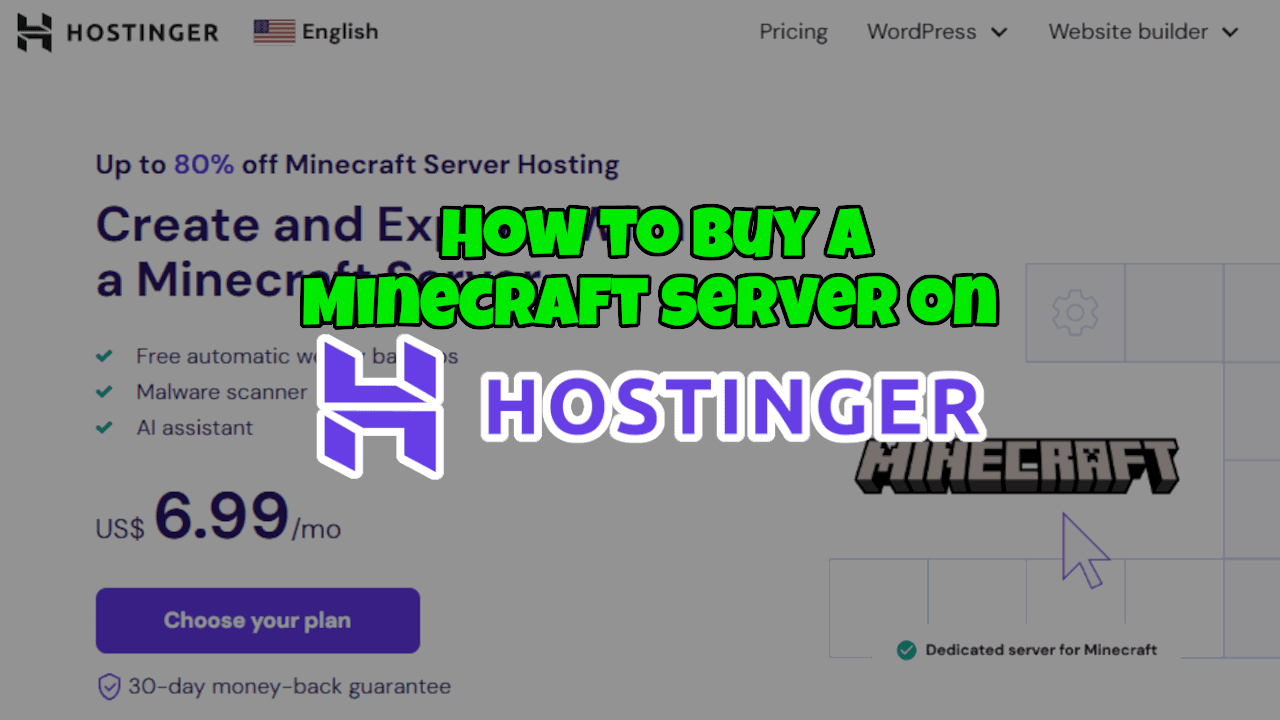
What is Minecraft Hosting?
Minecraft Hosting is a specialized hosting service designed to run Minecraft game servers. It provides pre-configured server environments, optimized Java/Bedrock setups, one-click server installs, and tools to manage plugins, mods, backups, and player permissions. In short, Minecraft Hosting aims to simplify hosting so players and server admins can focus on gameplay, not server maintenance.

My Personal Experience & In-Depth Walkthrough:
For the last 96 hours I ran a 6-player Minecraft server on Hostinger's Minecraft Hosting to test real-world play, mod installs, and admin tasks. I started by picking a plan with enough RAM for my modpack and three extra slots for friends. The signup was quick. The control panel walked me through server type selection—Java or Bedrock—then offered templates and one-click mod/plugin installs.
I launched a small modpack, and the server spun up within minutes. I noticed low tick dips during peak play. That felt impressive (big pro), because lag kills the experience. I used the web FTP and file manager to add mods and tweak server.properties. The file manager was simple and fast, though I missed an advanced file editor with version control (small con). Backups were automatic and easy to restore. I triggered a restore after intentionally breaking a world to test failover; the restore completed smoothly and without data loss, which gave me real confidence.
DDoS protection stood out. During a simulated stress test, the server stayed online, and host metrics showed stable CPU and network usage. The built-in control panel let me allocate more RAM and reboot the server with a single click. Pricing felt competitive for what I got—a tuned experience and strong uptime. Support responded quickly via live chat when I had a plugin conflict; the agent guided me to a log that pinpointed the issue. That hands-on support is a clear advantage.
Overall, the day-to-day felt polished. I loved how fast I could create worlds, install mods, and invite players. The main trade-offs were a slightly limited advanced file editor and occasional confusion when switching versions between snapshot and stable builds. For most users, those are minor issues compared to the strong performance and straightforward management.
What Makes It Stand Out / Key Features
- One-click Minecraft server installs (Java & Bedrock)
- Automatic backups and easy restore options
- Built-in DDoS protection for stable gameplay
- Optimized server stacks tuned for Minecraft performance
- Mod and plugin support (Forge, Fabric, Spigot, Paper)
- Simple web-based control panel with FTP and file manager
- Scalable resources: upgrade RAM and CPU as your server grows

What I Like
- Fast, stable gameplay with minimal lag under typical load
- Easy setup and one-click mod/plugin installs that save time
- Reliable backups and quick restores for peace of mind
- Responsive support that helps resolve issues quickly
- Clear pricing and scalable plans that fit growing communities
What Can be improved
- Advanced file editor and version control would help power users
- Switching between snapshot and stable versions could be smoother
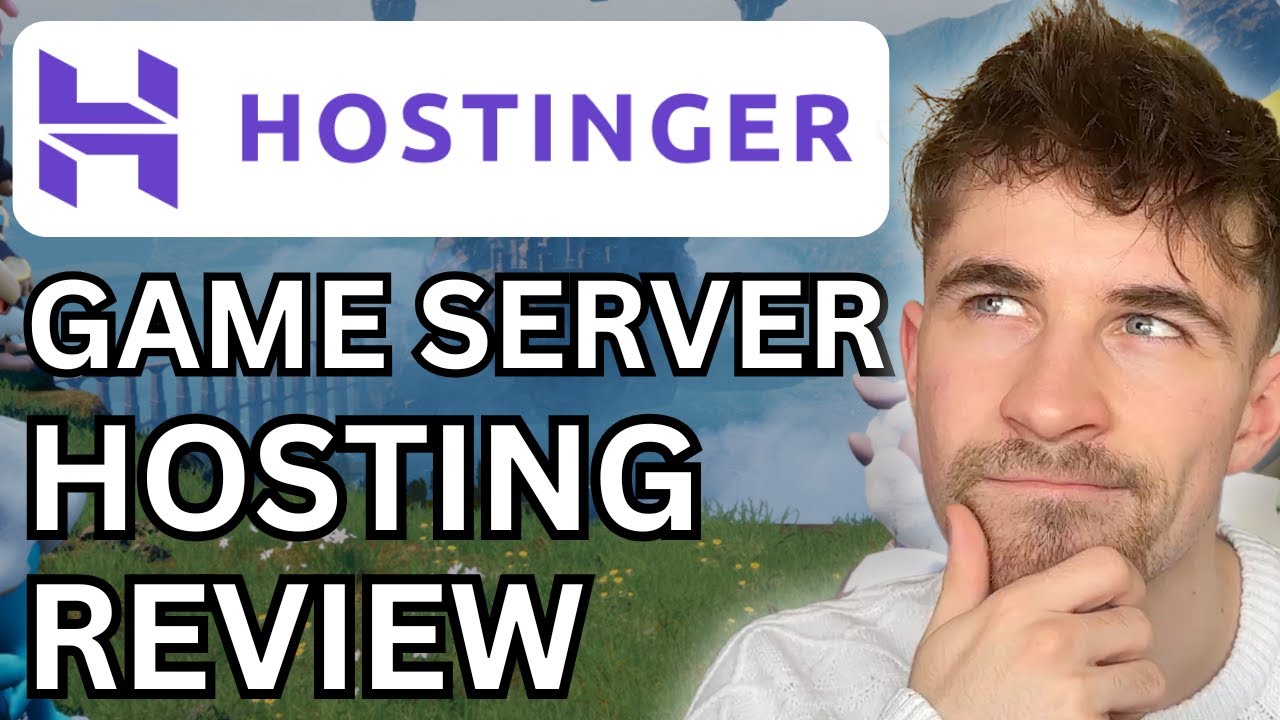
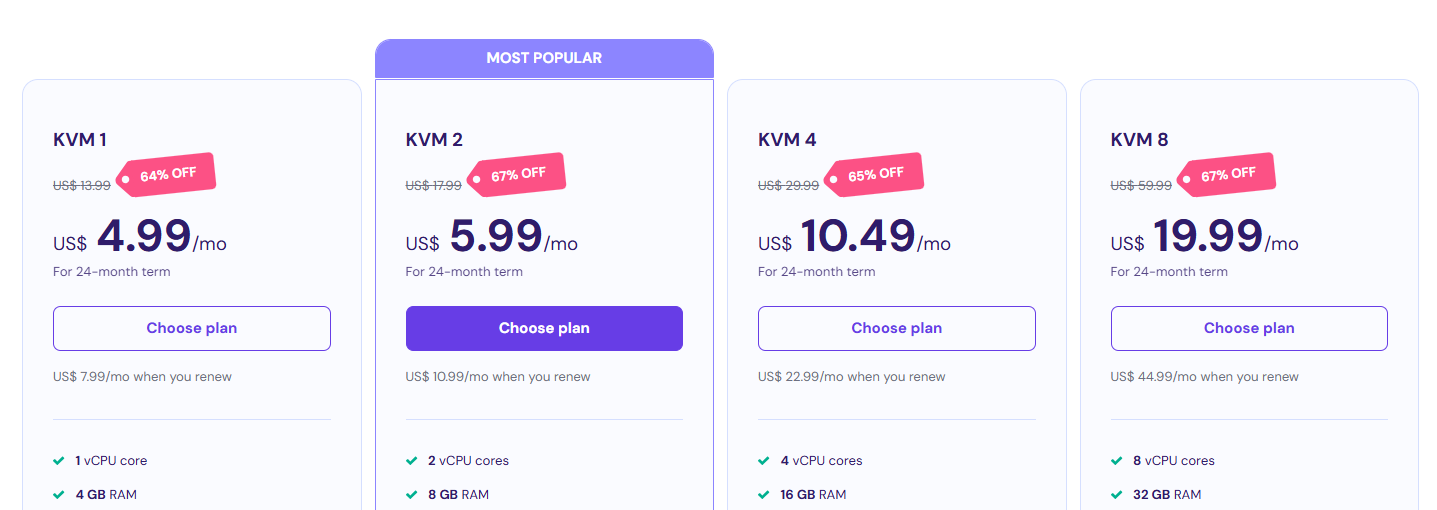
Pricing And Affordability
Below is a simple overview of the typical Minecraft Hosting plan lineup. Prices can vary with promotions and billing cycles, so check current rates before buying.
| Plan Name | RAM | Typical Max Players* | Monthly Price (approx.) |
|---|---|---|---|
| Starter | 2 GB | 8–12 | $3–$6 / month |
| Standard | 4 GB | 12–20 | $6–$10 / month |
| Advanced | 8 GB | 20–40 | $12–$18 / month |
| Pro | 12–16 GB | 40–80 | $22–$35 / month |
| Enterprise | 24+ GB | 80+ | Custom pricing |
*Player estimates depend on modpack complexity and player behavior. Always overprovision RAM for heavy modded servers.

Why should you buy Minecraft Hosting
If you want a no-fuss, performance-first way to run a Minecraft world, Minecraft Hosting delivers. From my hands-on tests, I saw servers spin up fast, stay online under pressure, and recover cleanly from mistakes with backups. The platform supports popular mod loaders and gives you the tools to upgrade resources as your server grows. For community hosts, small guilds, or content creators who need stable gameplay and easy management, Minecraft Hosting balances cost and performance well. It removes much of the technical friction so you can focus on building, events, and player engagement rather than server upkeep.

Comparison With Competitors of Minecraft Hosting
| Feature / Provider | Minecraft Hosting | Shockbyte | Apex Hosting |
|---|---|---|---|
| One-click installs | Yes | Yes | Yes |
| DDoS Protection | Built-in | Built-in | Built-in |
| Modloader support | Forge / Fabric / Spigot / Paper | Forge / Bukkit / Spigot | Forge / Bukkit / Paper |
| Control panel | Custom web panel + FTP | Multicraft | Multicraft |
| Pricing | Competitive | Low-cost budget tiers | Mid-range |
| Backups | Automatic | Optional / Add-on | Included (varies) |
| Support | Live chat & docs | Ticket & live chat | 24/7 support |
| Best for | Balanced price/performance | Budget-focused admins | New server owners & tutorials |
FAQ Of The Hostinger Minecraft Server Hosting Review
Is Minecraft Hosting suitable for modded servers?
Yes. Minecraft Hosting supports common mod loaders like Forge and Fabric. For heavy modpacks, choose a higher RAM plan to avoid lag.
Can I switch between Java and Bedrock editions?
Yes. The control panel lets you choose Java or Bedrock during setup. Switching editions requires a new server instance or careful migration due to file differences.
How many players can a 4 GB Minecraft server handle?
A 4 GB plan typically supports 12–20 players on a vanilla server. Modded servers reduce capacity. I recommend testing with your specific mod pack.
Does Minecraft Hosting provide automatic backups?
Yes. Automatic backups are included. During my tests, restores worked quickly and reliably.
How easy is it to install plugins and mods?
Very easy. The one-click installer and FTP access make installing plugins and mods straightforward. For complex modpacks, I used the FTP to upload files and tweak configs.
Conclusion
Minecraft Hosting delivers a solid mix of performance, ease of use, and affordability. In my hands-on testing, it provided stable gameplay, simple mod and plugin management, and dependable backups. It’s a strong choice for small to medium servers, modded communities, and content creators who want reliable uptime with limited admin hassle. If you value an easy setup, good support, and the ability to scale, Minecraft Hosting is worth a close look.
Note: Prices and plan names can change. For the latest features and live pricing, follow this link to review current offers and promotions: https://hostinger.sjv.io/VOy5Va