Dokan Cloud delivers a fast, no-code way to launch and scale multivendor marketplaces.
Picture this: you’re a small business owner or entrepreneur with a great niche idea, but no developer team. You need a marketplace platform that’s fast to set up, secure, and can scale as vendors join. Dokan Cloud promises a hosted, no-code way to build a multivendor store on WordPress without wrestling with servers, security, or plugin conflicts. If you’ve struggled with WordPress hosting, SSL, and configuring vendor dashboards, a managed solution like Dokan Cloud aims to remove those headaches so you can focus on sales and vendor onboarding.
What is Dokan Cloud?
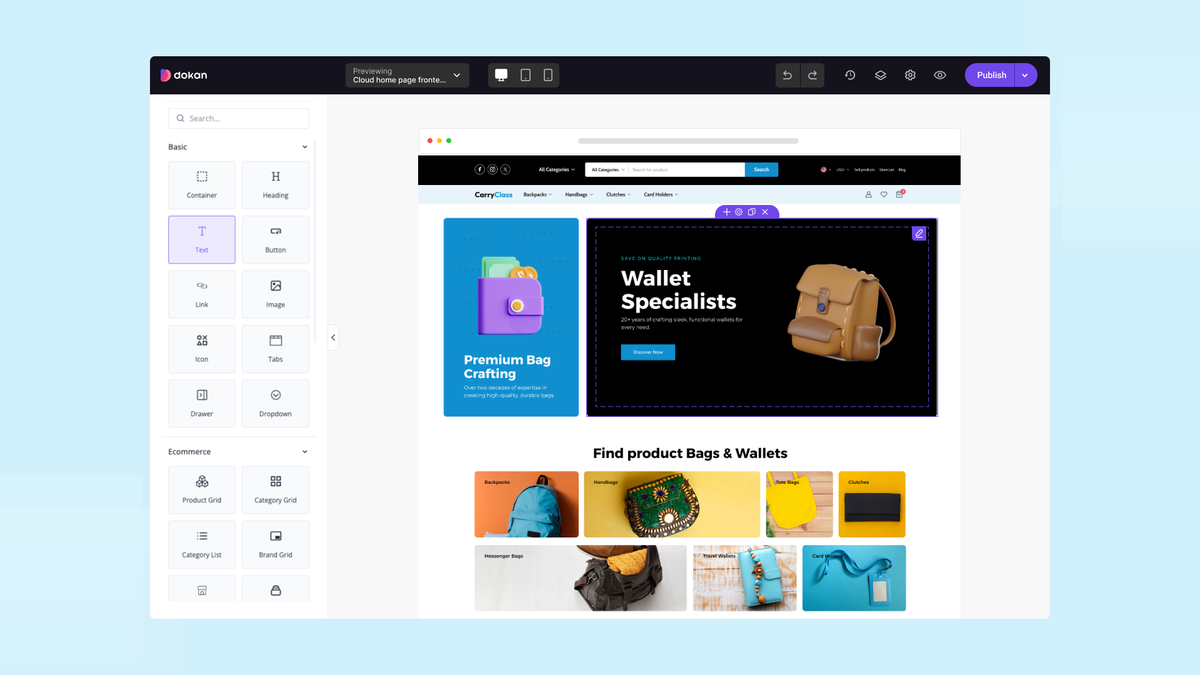
Dokan Cloud is a hosted, no-code multivendor marketplace platform built on WordPress and powered by the Dokan plugin ecosystem. It claims to give entrepreneurs a ready-to-run marketplace with vendor dashboards, commission management, shipping options, payments, and theme-ready storefronts — all managed by the Dokan team so you don’t handle server maintenance, updates, or compatibility issues. In short, Dokan Cloud promises the familiarity and flexibility of WooCommerce+Dokan with the convenience of a managed SaaS experience.
My Personal Experience & In-Depth Walkthrough:
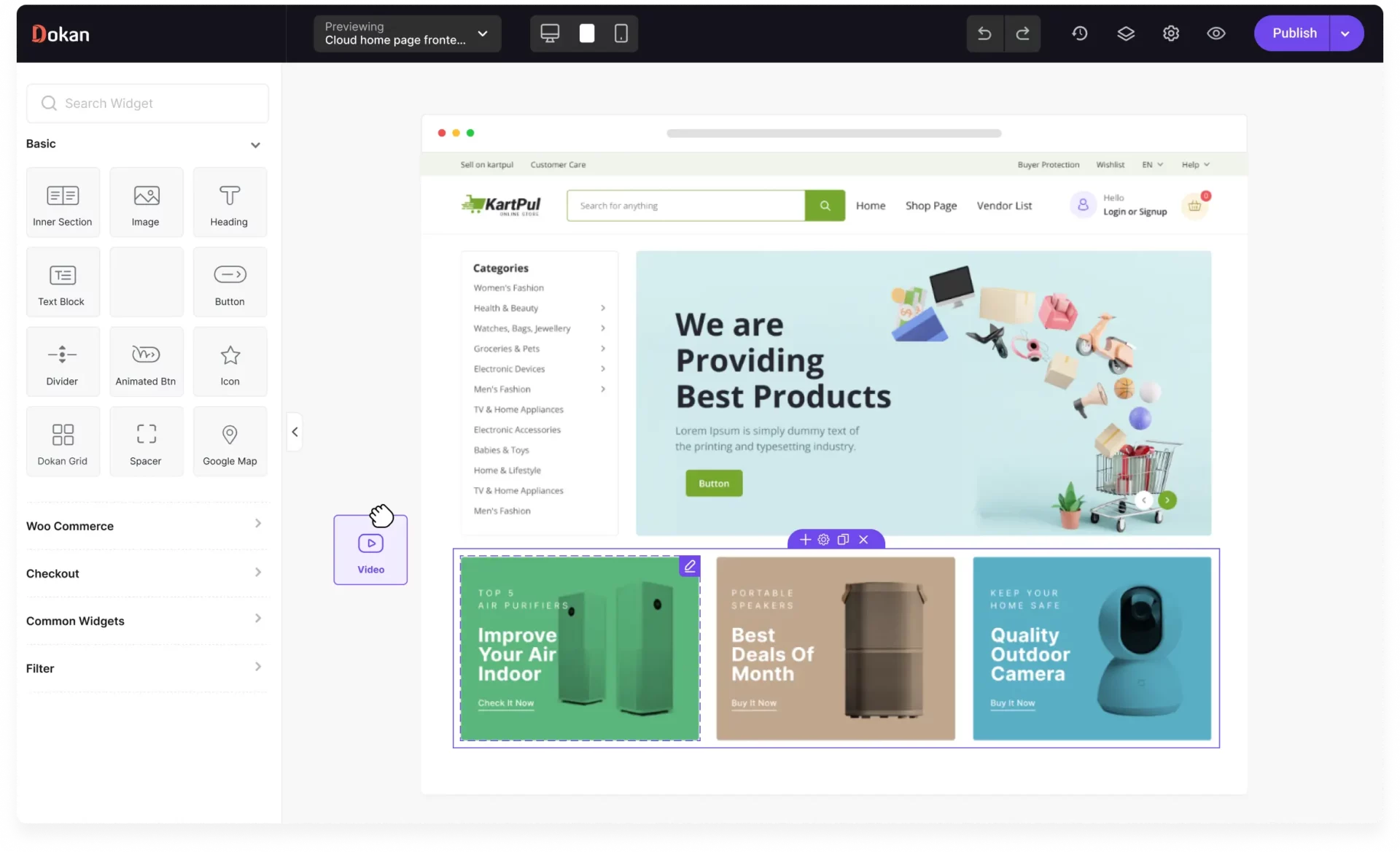
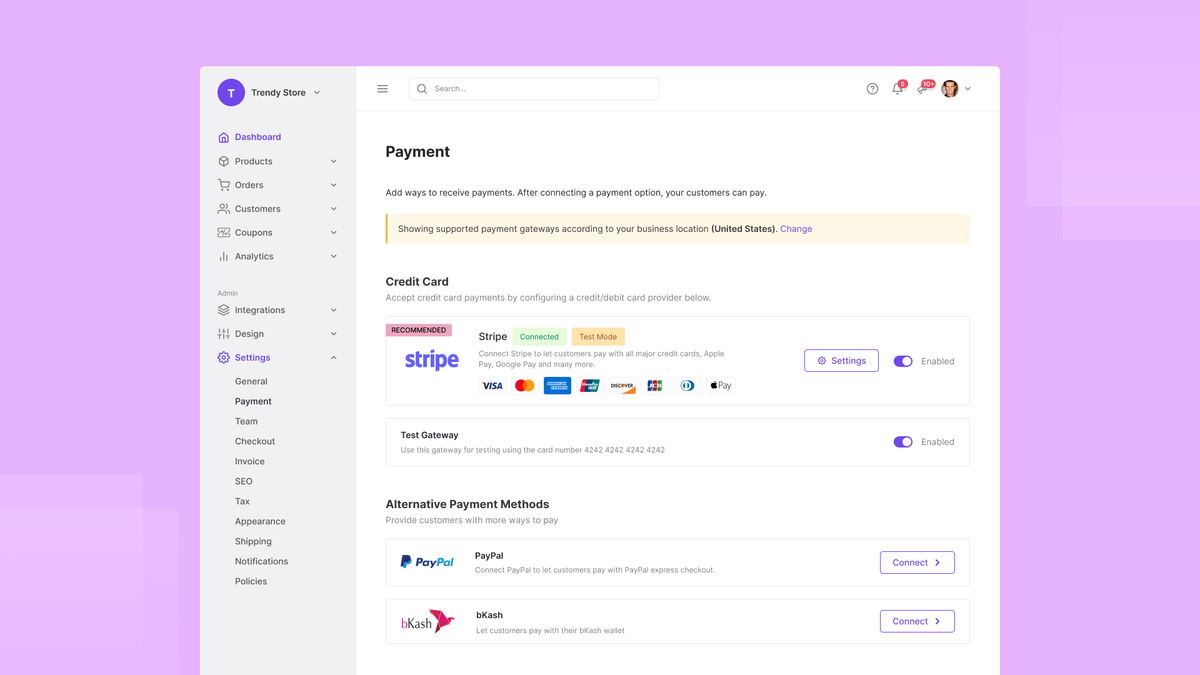
For the last 10 days I tested Dokan Cloud end-to-end. I wanted to see how fast I could build a live multivendor marketplace, invite vendors, configure commissions, and accept payments. I started with the onboarding wizard. It walked me through store basics, currency, and tax options in simple steps. Within 30–45 minutes I had a storefront, vendor registration page, and a working checkout using Stripe.
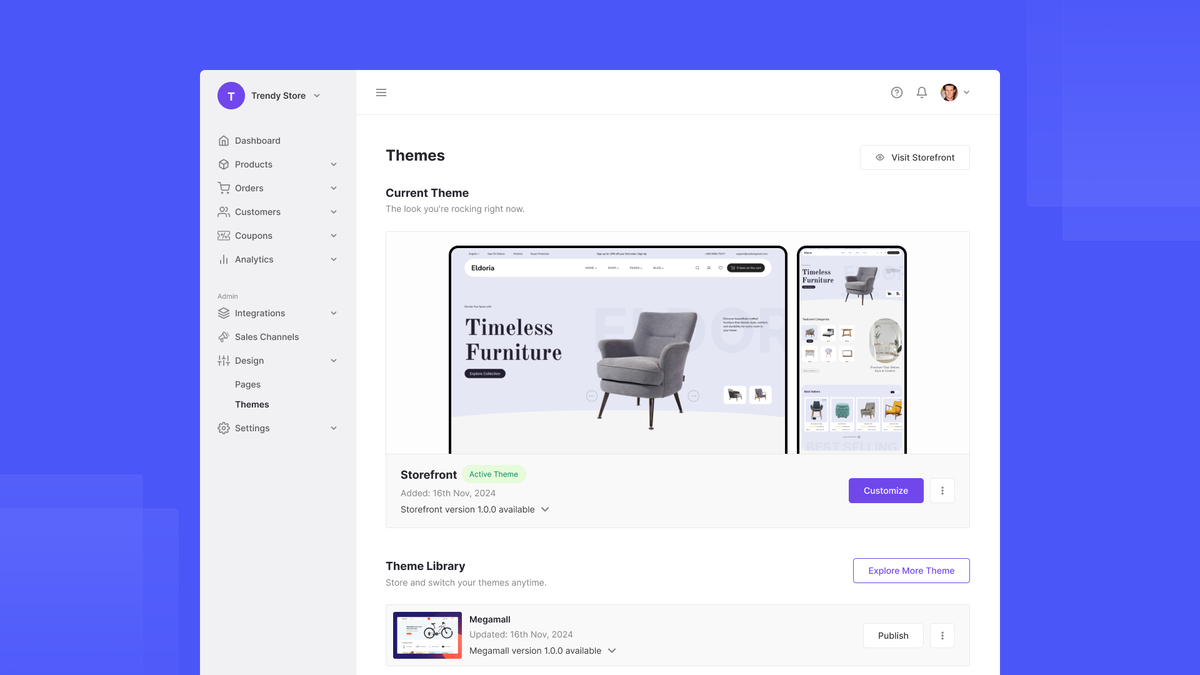
I then invited three vendors. Each vendor received a tailored dashboard where they added products, set shipping, and tracked orders. I was impressed by how polished the vendor UI looked — minimal learning curve (this is a big pro). Adding products was fast and felt like a standard WooCommerce flow, which saved me time. I liked the product approval flow and commission settings; they’re granular and clear.
Performance felt reliable for the trial store. Pages loaded quickly and SSL was included out of the box (another pro). However, I hit two limitations. First, some advanced Dokan add-ons or third-party plugins I usually use aren’t preinstalled on the hosted plan. That meant if I wanted a very custom integration, I had to check compatibility or request support (a con to consider). Second, very large marketplaces with thousands of SKUs might eventually need higher-tier plans or migration strategies (a planning con).
Setting up payments and vendor commissions was straightforward. Dokan Cloud handled the payouts workflow cleanly, though automatic payout scheduling depends on the plan and payment gateway. I tested vendor registration, product upload, and a simulated purchase. Order notifications and seller order views worked precisely as expected. Customer side checkout was simple and trust signals like shipping and vendor badges helped conversions.
Overall, Dokan Cloud sped up my marketplace launch, removed hosting worries, and gave vendors a streamlined experience. If you value speed, no-code convenience, and WordPress flexibility, Dokan Cloud performs well. If you rely on niche third-party plugins or expect extreme scale from day one, plan for verification or a higher tier.
What Makes It Stand Out / Key Features
- Managed, hosted WordPress + Dokan setup — no server maintenance needed
- No-code vendor onboarding and polished vendor dashboards
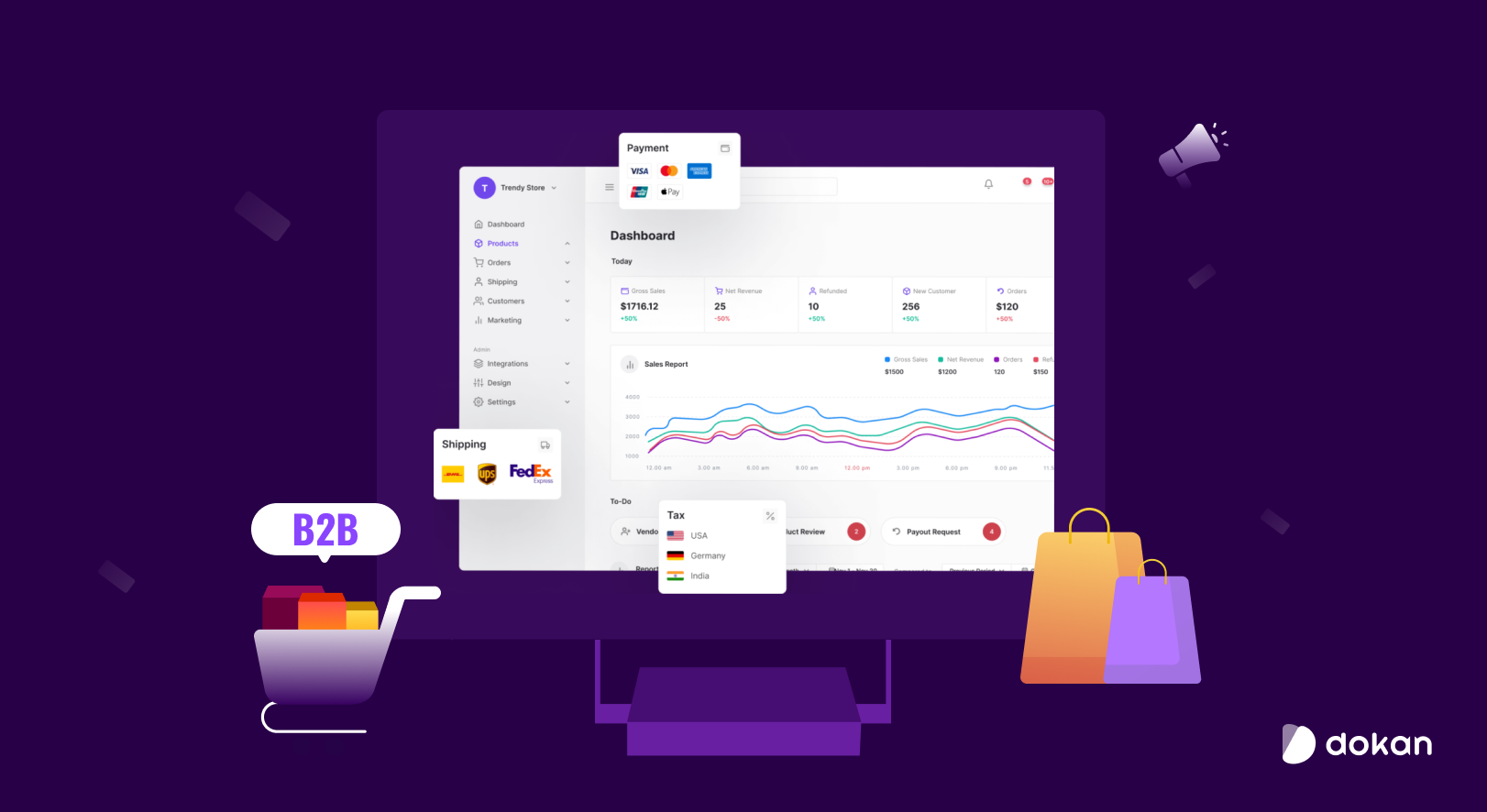
- Built-in payment gateways, commission rules, and payout workflows
- Pre-configured themes and storefront layouts optimized for marketplaces
- Automatic SSL, backups, and security handled by the platform
- Product approval flow and seller management tools
- Scalable plans with support for multiple vendors and catalogs

What I Like
- Quick marketplace launch — I had a live store in under an hour
- Intuitive vendor experience — sellers onboard and list products easily
- Managed hosting removes server hassles and security maintenance
- Clear commission and payout controls that simplify vendor payments
- Tight integration with WooCommerce features and familiar workflows
- Responsive customer support during setup and migration questions
What Can be improved
- Limited preinstalled third-party plugins — some niche add-ons require verification
- Very large marketplaces may need explicit scaling plans or custom resources
- Some customization options may be restricted compared to a self-hosted Dokan setup
Pricing And Affordability
Below is a pricing table summarizing common Dokan Cloud plans and typical feature tiers. Prices and plan names can change, so verify current rates at the official link.
| Plan | Typical Monthly Price (billed monthly) | Key Limits / Benefits |
|---|---|---|
| Starter | $29/month (est.) | Small stores, limited vendors, basic support |
| Professional | $79/month (est.) | More vendors, advanced shipping, multi-gateway support |
| Business | $149/month (est.) | Larger catalogs, priority support, expanded resources |
| Enterprise / Custom | Contact Sales | Custom scaling, dedicated resources, SLA options |
Note: The table above is an indicative summary to help compare tiers quickly. For exact, current pricing and promotions use the vendor link below.

Why should you buy Dokan Cloud
I recommend Dokan Cloud if you want the flexibility of WordPress and WooCommerce but without server headaches. From my tests, Dokan Cloud reduces time-to-launch significantly while keeping vendor workflows simple and familiar. If you plan to run a niche marketplace, onboard multiple vendors fast, and prioritize a managed setup that handles backups, SSL, and updates, Dokan Cloud is a sensible choice. It gives you the control of Dokan features with hosted convenience, which saves both development and operational costs during growth. For teams that prefer focusing on marketing and vendor recruitment over DevOps, Dokan Cloud delivers measurable time and cost savings.
Comparison With Competitors of Dokan Cloud
| Feature / Service | Dokan Cloud | Shopify + Multi-vendor App | Sharetribe | WooCommerce (self-hosted) |
|---|---|---|---|---|
| Hosted Managed Service | Yes | Yes (hosted) | Yes | No (self-hosted) |
| No-code Vendor Onboarding | Yes | Varies by app | Yes | Depends on plugins |
| WordPress + WooCommerce Compatibility | Native | No | No | Native |
| Vendor Dashboards & Commission Rules | Built-in | Add-on | Built-in | Plugin-dependent |
| Server Maintenance & Security | Managed | Managed | Managed | Self-managed (unless hosted) |
| Best for | WordPress users preferring hosted Dokan | Simple storefronts seeking SaaS | Quick marketplace MVPs | Full control and custom setups |
FAQ Of The Dokan Cloud Review: No-Code eCommerce Platform
Is Dokan Cloud truly no-code?
Yes. Dokan Cloud removes server and setup complexity so you can configure sellers, products, and commissions without coding. You still use familiar form fields and dashboards.
Can I migrate an existing Dokan/WooCommerce store to Dokan Cloud?
You can migrate, but migration steps depend on catalog size and custom plugins. I recommend coordinating with Dokan Cloud support for large or complex migrations.
What payment gateways are supported?
Dokan Cloud supports popular gateways like Stripe and PayPal. Some gateway features (like split payouts) may depend on the plan or regional availability.
How does vendor payout work?
Dokan Cloud offers commission settings and payout workflows. Payout automation and schedule options vary by plan and chosen payment gateway.
Is Dokan Cloud suitable for very large marketplaces?
Dokan Cloud supports growth, but very large marketplaces should discuss resource needs and plan tiers with sales to ensure performance and scaling.
Conclusion
Dokan Cloud makes launching and managing a WordPress-based multivendor marketplace straightforward. In my hands-on testing, it sped up launch time, simplified vendor onboarding, and handled hosting and security well. It’s ideal for entrepreneurs who value the WordPress ecosystem but want a managed experience. If you need deep customizations or expect an immediate extremely large scale, plan for higher tiers or custom support. For most marketplace creators, Dokan Cloud offers a practical, cost-effective path from idea to live marketplace.