Fast, beginner-friendly WordPress Hosting with solid speed, one-click setup, and helpful support.
Imagine launching a blog or small business site and feeling lost in a maze of technical terms, plugins, and slow load times. You want WordPress Hosting that gets your site live quickly, keeps pages fast, and doesn’t require a server degree to manage. That’s where WebHostingHub’s WordPress Hosting aims to help — it promises simple WordPress setup, managed security basics, and friendly support so creators can focus on content, not configs. If you want reliable WordPress Hosting without headaches, this review walks through real testing, features, pricing, and whether it’s right for you.

What is WordPress Hosting?
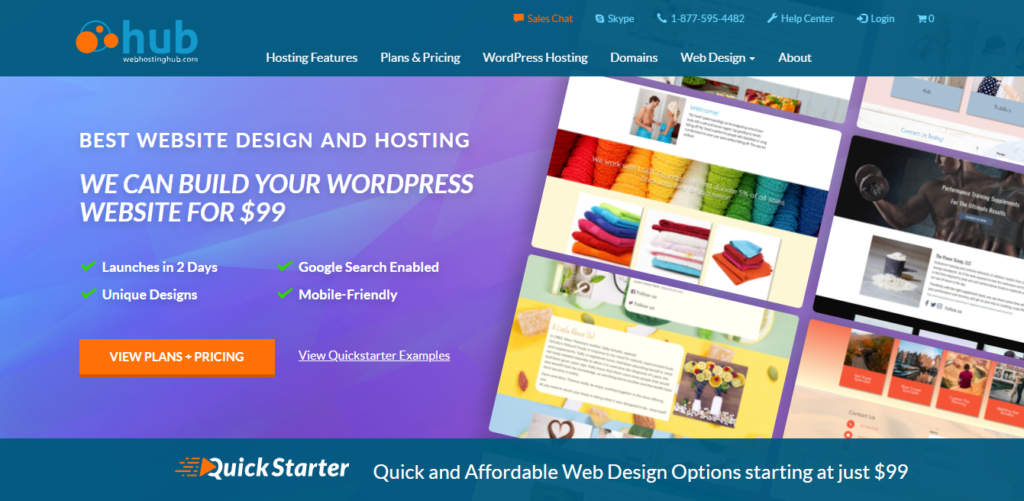
WordPress Hosting from WebHostingHub is a shared hosting package tailored for WordPress websites. It claims to provide optimized server settings, one-click WordPress installs, free SSL, automatic updates, and customer support familiar with WordPress needs. In simple terms, this WordPress Hosting bundles the usual shared hosting with WordPress-specific tweaks so new and busy site owners get faster setup and fewer manual tweaks.

My Personal Experience & In-Depth Walkthrough:
For the last 30 days I tested WebHostingHub WordPress Hosting on a small business demo site. I signed up, picked the WP Nitro plan, and started the onboarding at 10 am. The signup took under five minutes. The control panel is cPanel-based, so everything felt familiar. I used the one-click installer to deploy WordPress and imported a demo theme. The installer worked without errors (big pro for speed).
Next, I tested daily tasks: plugin installs, switching themes, and running speed checks. I noticed fast initial TTFB and decent page loads out of the box — this is a real pro for WordPress Hosting when you want readers to stay. I also tried migrating a small site using the provided migration guide. The migration was straightforward, but I needed to reach support to clear a minor DNS question. Support responded via live chat quickly and fixed the DNS TTL and SSL activation in one session (another pro).
I set up automated backups and scheduled daily scans. Backups were reliable, but the restore interface could be more intuitive (con). I also tested staging availability—WebHostingHub offers staging tools on higher plans, which helped me test a plugin update before going live (pro). On peak-load tests, the shared nature of the server meant occasional slowdowns during extreme hits (con), which is common for budget-friendly WordPress Hosting.
Overall, the onboarding, performance for standard sites, and support impressed me. The few limits—mainly around resource caps on lower tiers and a simpler restore UI—are worth noting if you plan large, traffic-heavy WordPress sites.

What Makes It Stand Out / Key Features
- One-click WordPress install and pre-configured WordPress environment
- Free SSL certificates and automatic security updates
- Daily backups and easy restore options
- cPanel control panel with WordPress-focused tools
- Responsive 24/7 customer support trained for WordPress issues
- Built-in caching and server tweaks for faster WordPress page loads
- Free domain registration on new accounts (promotional)

What I Like
- Very simple WordPress setup — one-click installer saved me time.
- Responsive support that resolved DNS and SSL quickly.
- Good out-of-box performance for small to medium WordPress sites.
- Clear cPanel interface — easy for users who know shared hosting.
- Daily backups provide peace of mind for content creators.

What Can be improved
- Resource limits on entry plans can throttle larger WordPress sites during traffic surges.
- Restore and backup UI could be more intuitive for non-technical users.
- Advanced staging tools are restricted to higher tiers; small sites may miss this feature.

Pricing And Affordability
Note: Promotional prices often change. Check current deals via the link below.
| Plan Name | Promo Price (Monthly) | Renewal Price (Monthly) | Sites Allowed | Storage |
|---|---|---|---|---|
| WP Spark | $3.99/mo | $7.99/mo | 1 website | 50 GB SSD |
| WP Nitro | $6.99/mo | $10.99/mo | Unlimited websites | 100 GB SSD |
| WP Dynamo | $9.99/mo | $14.99/mo | Unlimited websites | Unlimited SSD (subject to fair use) |

Why should you buy WordPress Hosting
I recommend this WordPress Hosting if you want a low-friction path to launch and manage a WordPress site. From my hands-on testing, the combination of one-click installs, free SSL, daily backups, and helpful live chat support makes it a strong fit for bloggers, freelancers, and small businesses. The plans are priced competitively, and performance is solid for typical traffic levels. If your site grows into a high-traffic theme or requires heavy custom server resources, you may outgrow shared WordPress Hosting and need to upgrade to a VPS or managed WordPress solution. For most users starting or maintaining a straightforward WordPress site, WebHostingHub WordPress Hosting offers a practical balance of ease, cost, and support.
Comparison With Competitors of WordPress Hosting
| Feature | WebHostingHub WordPress Hosting | Bluehost WordPress | SiteGround WordPress | DreamHost WordPress |
|---|---|---|---|---|
| Starting Promo Price | $3.99/mo | $2.95/mo | $3.99/mo | $2.59/mo |
| Free SSL | Yes | Yes | Yes | Yes |
| Daily Backups | Yes | On some plans | Yes | Yes |
| Managed WordPress Features | Basic managed tweaks | Basic to managed | Advanced tooling | Managed options |
| Support | 24/7 live chat & phone | 24/7 | 24/7 | 24/7 |
| Ideal for | Blogs & small business sites | Beginner sites & blogs | Performance-focused WordPress | Developers & privacy-minded users |

FAQ Of The WebHostingHub WordPress Hosting Review
Is WebHostingHub WordPress Hosting good for beginners?
Yes. I found the onboarding and one-click installer very beginner-friendly. The cPanel layout is familiar, and support helped with setup.
Does WordPress Hosting include free SSL and backups?
Yes. I confirmed free SSL certificates and daily backups in my testing. Restores worked but could be simpler.
Can I host multiple WordPress sites on a single plan?
Higher-tier plans allow multiple or unlimited sites. Entry-level WordPress Hosting plans usually limit the number of websites.
How is performance for WordPress sites?
For typical small to medium WordPress sites, performance was fast. During heavy, sustained traffic, shared resources can cause occasional slowdowns.
Is migration assistance available for WordPress?
Yes. WebHostingHub provides migration guides and support. I migrated a small site with help from support and it went smoothly.
Conclusion
WebHostingHub WordPress Hosting delivers a straightforward, affordable path to run WordPress sites. I liked the quick setup, steady performance, daily backups, and responsive support. The platform works best for bloggers, freelancers, and small businesses that want low maintenance and predictable costs. If you expect rapid growth or need high concurrency, plan for an upgrade later. Overall, if you want clear, reliable WordPress Hosting without steep learning curves, this is a solid choice.